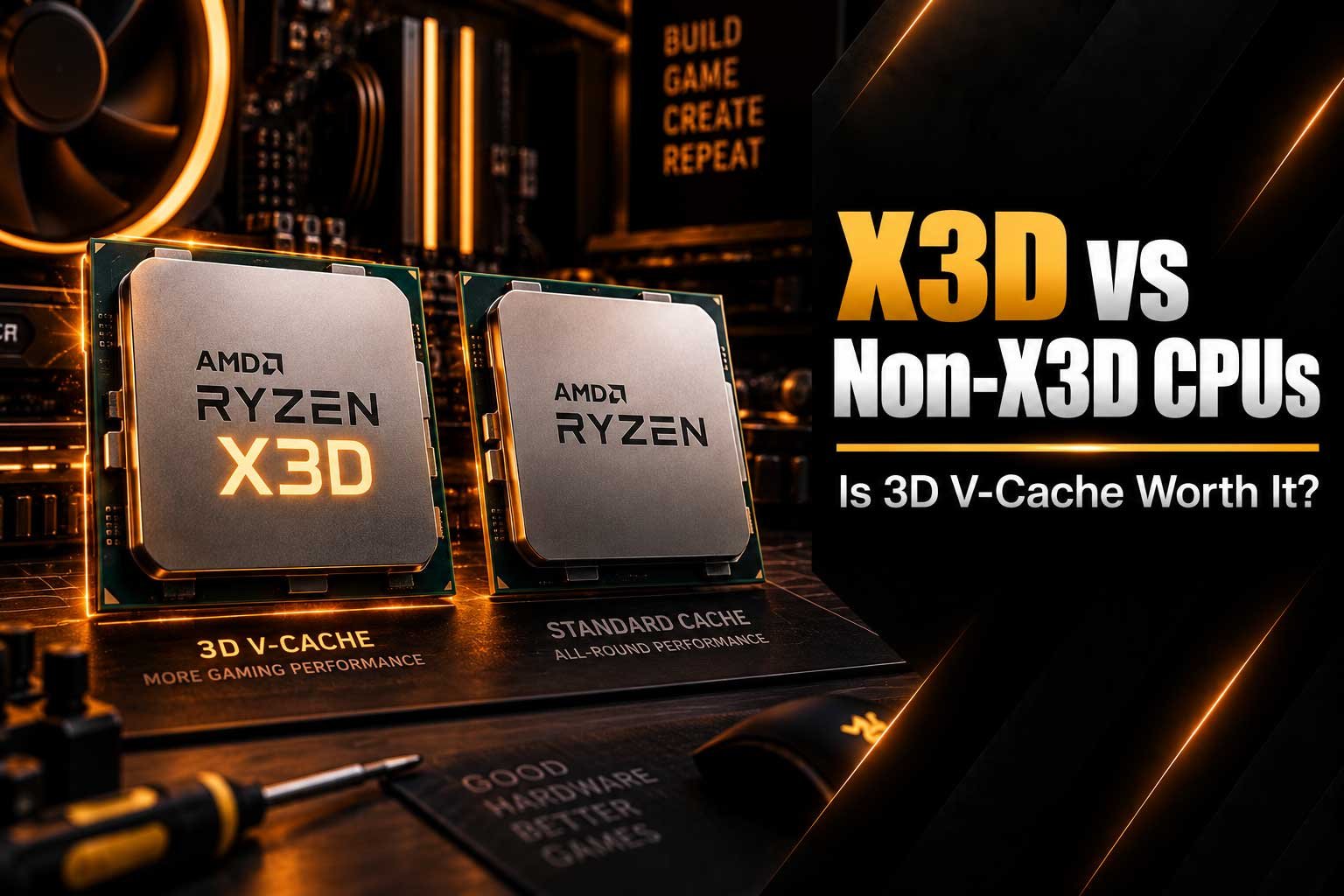
Compare X3D vs Non-X3D CPUs and learn how AMD 3D V-Cache affects gaming performance, FPS, 1% lows, productivity and the overall value of a modern PC.
- X3D vs Non-X3D CPU performance explained
- How AMD 3D V-Cache works for gaming
- Difference between X3D and standard Ryzen CPUs
- When X3D CPUs can improve gaming performance
- Gaming vs productivity with X3D processors
- How 1% lows and average FPS can differ
- How to choose the right gaming CPU for your PC
X3D vs Non-X3D CPUs: What Is the Difference?
When choosing a gaming CPU, you may come across AMD Ryzen processors with the X3D name alongside standard Non-X3D models. The main difference is AMD's 3D V-Cache technology, which adds a large amount of additional L3 cache to the processor. This can be particularly useful in games where the CPU benefits from keeping more data close to the processing cores. However, having more cache does not automatically make an X3D processor faster in every workload. The difference between X3D and Non-X3D CPUs depends on the games you play, the resolution you use, your graphics card and whether you also use your PC for productivity or content creation. Understanding these differences can help you choose a CPU that fits your actual requirements instead of simply choosing a processor based on its name.
What Is an X3D CPU?
An X3D CPU is an AMD Ryzen processor equipped with 3D V-Cache. This technology uses vertically stacked cache memory to significantly increase the amount of L3 cache available to the processor. More cache allows the CPU to keep frequently accessed data closer to its processing cores, potentially reducing the need to access slower system memory as often. This can be particularly useful in certain game engines where large amounts of data are repeatedly accessed during gameplay. AMD's current X3D processors use its newer generations of 3D V-Cache technology and are specifically positioned toward high-performance gaming systems. However, the actual improvement depends on the game and workload. Some applications benefit significantly from additional cache, while others may see a much smaller difference.
What Is a Non-X3D CPU?
A Non-X3D CPU is a conventional processor without AMD's additional 3D V-Cache layer. These processors can still deliver excellent gaming performance and may offer strong clock speeds, core counts and multi-threaded performance. Standard Ryzen CPUs are often designed to provide a broader balance between gaming and productivity, making them suitable for users who regularly edit videos, render content, compile software or perform other demanding tasks. The absence of 3D V-Cache does not mean that a processor is unsuitable for gaming. Instead, it means that the processor uses a more traditional cache configuration. When comparing X3D vs Non-X3D CPUs, it is therefore important to look beyond the branding and consider the specific processor, its price, your games and the other components in your PC.
How Does AMD 3D V-Cache Work?
The main idea behind AMD 3D V-Cache is simple: provide the processor with substantially more high-speed cache memory. CPU cache is much faster to access than system RAM and is used to store data that the processor is likely to need again. Games can benefit from this because their workloads can involve repeatedly accessing large amounts of game-world, simulation and engine data. With more cache available, some of this information can remain closer to the CPU cores for longer. AMD's newer 3D V-Cache design places the additional cache beneath the processor cores, using advanced bonding technology. The exact performance improvement varies considerably between applications, meaning that cache capacity is only one part of overall CPU performance.
X3D vs Non-X3D CPUs: Key Differences
| Feature | X3D CPUs | Non-X3D CPUs |
|---|---|---|
| 3D V-Cache | Yes | No |
| Gaming focus | Strong focus on gaming performance | Broad gaming and computing performance |
| Cache capacity | Significantly increased | Standard cache configuration |
| Productivity | Depends on the specific model and workload | Depends on the specific model and workload |
| Best suited for | Gaming-focused systems and high FPS workloads | Gaming, productivity and mixed workloads |
| Value | Depends on the price premium and gaming benefit | Depends on cores, clocks, performance and price |
Does X3D Improve Gaming Performance?
For certain CPU-intensive games, additional cache can provide a meaningful performance advantage because the processor can keep more frequently accessed data available locally. This can result in higher average frame rates in some scenarios and may also improve frame-time consistency. However, the effect is not identical across every game. If your graphics card is already the main performance limitation, moving from a capable Non-X3D CPU to an X3D model may produce a smaller improvement than upgrading the GPU. This is why CPU and GPU balance is so important when building a gaming PC. At lower resolutions and very high refresh rates, the processor can become more important because the graphics card may be capable of rendering frames faster, increasing the workload placed on the CPU.
- 1080p gaming can become CPU-limited at very high frame rates.
- 1440p gaming usually requires a balance between CPU and GPU performance.
- 4K gaming is often more heavily limited by graphics performance.
- Competitive gaming can place additional importance on CPU performance and frame consistency.
If you want to understand how frame rates are measured and why FPS matters, our guide What Does FPS Mean in Gaming? explains the basics of frames per second and how it affects the gaming experience.
Average FPS vs 1% Lows
When comparing X3D gaming performance, average FPS is only one part of the picture. Frame-time consistency is also important because two systems with similar average FPS can sometimes feel different during gameplay. The commonly discussed 1% lows represent the slower portion of rendered frames and can provide additional information about performance consistency. A system with a high average FPS can still feel less smooth if occasional frames take significantly longer to render. Additional CPU cache can help some game engines maintain more consistent access to frequently used data, although the effect varies between games. This is why meaningful CPU gaming benchmarks should ideally consider average FPS, 1% lows and frame times instead of relying on one number.
X3D CPUs for Competitive Gaming
Competitive gaming is one of the scenarios where CPU performance can become particularly important. Games such as Fortnite, Counter-Strike 2 and other high-FPS titles can push modern processors when players target very high refresh rates. In these situations, the graphics card may not always be the only limitation. An X3D processor can be attractive because its large cache is designed to benefit workloads where frequently accessed data can remain close to the CPU cores. However, the actual benefit depends on the game, graphics settings, resolution and target frame rate. If you are building a 240Hz or 360Hz gaming PC, it makes sense to consider the complete platform rather than choosing a CPU purely because it carries the X3D name.
X3D vs Non-X3D for Productivity
Gaming is not the only workload that matters when selecting a desktop CPU. If your PC is also used for video editing, 3D rendering, software development, streaming or other demanding applications, core count and multi-threaded performance can become much more important. Some X3D processors combine large amounts of cache with high core counts, making them capable all-round processors. At the same time, standard Ryzen processors can offer different combinations of cores, clock speeds, cache and power characteristics that may suit productivity-focused workloads. This means that X3D does not automatically mean better performance in every application. A CPU that performs exceptionally well in a particular game may not provide the same advantage in a professional application. Your complete workload should therefore be considered before choosing between X3D and Non-X3D.
When Is an X3D CPU Worth It?
An X3D gaming CPU can make particular sense when gaming is the primary purpose of your computer and you want to maximise CPU-side performance. This becomes especially relevant when you are using a powerful graphics card, a high-refresh-rate monitor or games that place significant demands on the processor. The additional cache can provide an advantage in workloads that respond well to it. However, the value of an X3D processor depends on its price compared with alternative CPUs. If an X3D model costs significantly more but your games are primarily GPU-limited, allocating more of your budget toward graphics performance may have a greater effect on your gaming experience. The entire PC should therefore be considered rather than the CPU in isolation.
- You primarily use your PC for gaming.
- You are targeting high FPS and high refresh rates.
- You are pairing the CPU with a powerful modern GPU.
- You play games that benefit from additional CPU cache.
- You want a processor designed with gaming performance as a major priority.
When Might a Non-X3D CPU Make More Sense?
A Non-X3D Ryzen CPU can be an excellent choice when your computer has a broader purpose than gaming or when the price difference between processors is important to your overall budget. Users who frequently perform productivity workloads should consider core count, clock speeds, application performance and power characteristics alongside gaming results. A standard Ryzen processor can still provide strong gaming performance, particularly when paired with an appropriate graphics card. It may also allow more of the budget to be allocated toward other components that have a larger effect on gaming performance. For this reason, choosing between X3D and Non-X3D should begin with your workload, target resolution, monitor refresh rate and overall PC budget rather than the processor's name alone.
X3D vs Non-X3D at Different Resolutions
| Gaming Scenario | CPU Importance | Main Consideration |
|---|---|---|
| 1080p | High | CPU performance can become important at very high FPS |
| 1440p | Medium–High | CPU and GPU balance becomes important |
| 4K | Medium | GPU performance is often the larger limitation |
| Competitive gaming | High | High FPS and frame consistency are important |
If you are planning a 1440p gaming system, our guide What PC Do You Need for 1440p Gaming? explains how your choice of hardware changes depending on resolution and performance targets. Understanding the relationship between the CPU and GPU is also important, which is covered in our CPU vs GPU comparison.
How CPU Bottlenecks Affect X3D vs Non-X3D Performance
The difference between two processors becomes more visible when the game is CPU-limited. A CPU bottleneck occurs when the processor cannot prepare frames quickly enough for the graphics card to operate at its full potential. This is more common at lower resolutions, very high frame rates and in CPU-heavy games. In a GPU-limited scenario, changing between two capable CPUs may have a much smaller effect because the graphics card is already determining the maximum performance. Our guide on CPU bottlenecks explains how to identify situations where the processor is limiting your graphics card. This is particularly useful when deciding whether an X3D upgrade would provide a meaningful improvement to your existing system.
Choosing an X3D Gaming PC
If gaming is your main priority, an X3D processor can be an important part of a high-performance gaming PC. However, the processor should always be selected alongside the rest of the system. A powerful CPU paired with an unsuitable graphics card may not deliver the performance you expect, while a balanced configuration can provide a better overall experience. CompHub offers several gaming PC configurations for different budgets and performance targets. Because component availability and specifications can change, we do not recommend relying on an old specification list when comparing systems. Instead, check the current product page for the latest configuration and available hardware before ordering.
For example, you can explore the current CompHub Gaming Pro if you are looking for a powerful gaming configuration, while the CompHub Gaming Max provides another option for users looking at higher-performance systems. Customers who want to explore a more premium configuration can also view the CompHub Gaming Ultimate. The available hardware can change over time, so each product page should be treated as the current source for its configuration.
Building a Balanced Gaming PC
Choosing between X3D and Non-X3D CPUs should always be part of a wider system decision. The CPU, GPU, memory, storage and cooling solution all need to work together. For example, spending a large portion of the budget on an expensive gaming processor while using a graphics card that cannot take advantage of its performance may not be the most efficient configuration for your target resolution. Conversely, a high-end graphics card can make CPU performance increasingly important when targeting very high frame rates. This is why CompHub gaming systems are designed around complete configurations rather than individual components. If you are considering a higher-performance system, you can also explore the current CompHub White Pro and CompHub White Max configurations.
Should You Upgrade to an X3D CPU?
Whether an X3D CPU upgrade is worthwhile depends on your current processor, graphics card and gaming targets. If your existing CPU is already providing the frame rates you want and your GPU is the main limitation, changing the processor may not produce a dramatic difference. On the other hand, if your system is CPU-limited and you are targeting significantly higher FPS, an X3D processor could address that limitation in games that benefit from additional cache. Before upgrading, it is useful to identify what component is currently limiting performance. Looking at GPU usage, CPU utilisation, frame times and the games you actually play can provide a much clearer picture than simply comparing processor names.
If you are considering an upgrade but are unsure whether replacing individual components makes sense, our guide Should You Upgrade Your PC or Build a New One? covers the factors that can help determine whether an upgrade or a new system is more appropriate.
X3D vs Non-X3D: Which Type Is Right for You?
There is no single processor that is ideal for every user because X3D vs Non-X3D is ultimately a comparison between different design priorities. X3D processors use additional 3D V-Cache to target workloads where larger CPU cache can improve performance, making them particularly interesting for gaming-focused systems. Non-X3D processors can provide a strong balance of gaming, productivity, core performance and overall system value. Your graphics card, resolution and monitor refresh rate also have a major influence on how much the CPU matters. Before choosing a processor, consider the games you actually play, the applications you use and the performance you want from the complete system. This approach makes it easier to select hardware based on real requirements instead of specifications alone.
Final Thoughts
X3D CPUs have become an important part of modern gaming hardware because 3D V-Cache can provide meaningful benefits in workloads that respond well to additional cache. At the same time, standard Ryzen processors remain highly capable options for gaming and broader computing workloads. The right choice depends on the complete system rather than the CPU label alone. Consider your graphics card, resolution, refresh rate, games, applications and budget before making a decision. If gaming is your primary goal and you are targeting very high frame rates, an X3D processor may be worth considering. If your PC has a wider range of workloads, a Non-X3D processor may provide the balance you need. The key is matching the processor to how you actually use your PC and selecting the rest of the hardware around that goal.