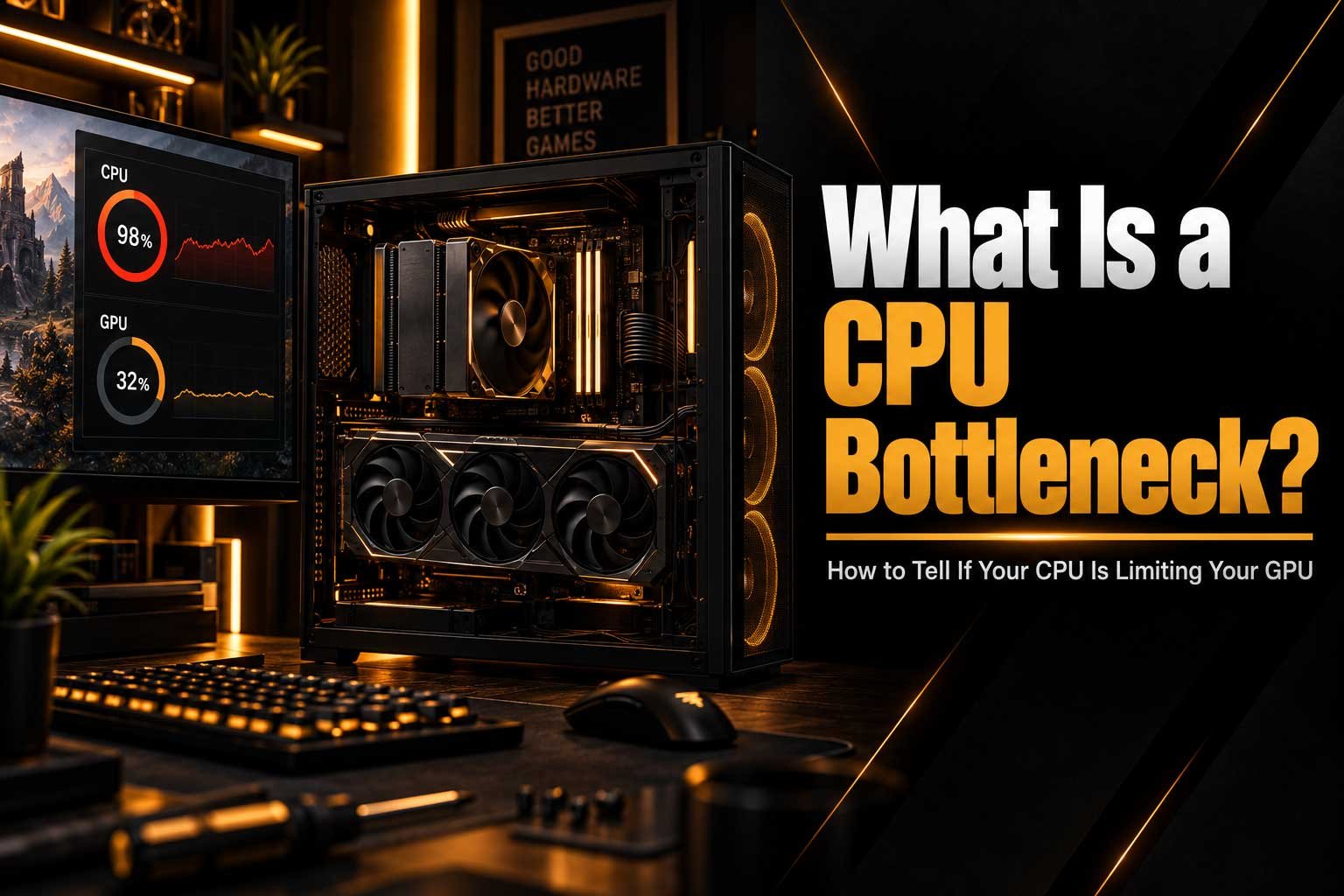
Learn what a CPU bottleneck is, how it affects gaming performance, and how to identify whether your CPU is limiting your GPU.
- What a CPU bottleneck is and what causes it
- How to tell if your CPU is limiting your GPU
- CPU usage, GPU usage and FPS explained
- CPU bottleneck vs GPU bottleneck
- How to reduce or fix a CPU bottleneck
What Is a CPU Bottleneck?
A CPU bottleneck happens when your processor cannot keep up with the amount of work your graphics card and game are asking it to handle. When this happens, your GPU may not be able to operate at its full potential, resulting in lower FPS, inconsistent frame times, or reduced performance in CPU-heavy games. A bottleneck does not necessarily mean that your PC has a problem. Every computer system has a limiting component in some situation, and the goal is to make sure that limitation is appropriate for how you use your PC.
Understanding CPU bottlenecks is particularly useful when upgrading a PC. Installing a significantly more powerful graphics card does not always result in a large performance improvement if the CPU is already struggling to prepare frames quickly enough. This is why looking at the balance between your processor and graphics card is often more important than simply choosing the most powerful component available.
| Component | Main Role in Gaming | Typical Bottleneck Sign |
|---|---|---|
| CPU | Game logic, physics, AI and preparing frames | High CPU usage with lower GPU utilisation |
| GPU | Rendering graphics and visual effects | GPU consistently close to 100% usage |
| RAM | Stores active game and system data | Stuttering or slowdowns when memory is insufficient |
How Does a CPU Bottleneck Work?
During gaming, your CPU handles many tasks before a frame can be rendered. These can include game logic, physics, artificial intelligence, player and object calculations, background processes and preparing information for the GPU. The graphics card then takes that information and renders the final image.
If the CPU cannot prepare this information quickly enough, the GPU may have to wait. You might therefore see a situation where your CPU is operating at very high utilisation while your GPU is sitting below 100%. This is one of the most common signs of a potential CPU limitation.
However, utilisation percentages should not be viewed in isolation. A CPU can be bottlenecking a game even when overall CPU usage does not appear to be 100%, because some games rely heavily on one or a few CPU cores rather than distributing their workload evenly across every core.
- CPU: Processes game logic and prepares instructions.
- GPU: Renders the frames and visual effects.
- CPU bottleneck: The processor cannot prepare frames quickly enough.
- Result: The GPU may remain underutilised while FPS is limited.
How to Tell If Your CPU Is Bottlenecking Your GPU
One of the easiest ways to investigate a potential CPU bottleneck is to monitor your CPU and GPU while playing a game. Tools such as MSI Afterburner, HWiNFO and Windows Task Manager can show CPU usage, GPU usage, temperatures and other useful information.
If your GPU utilisation remains significantly below 100% while one or more CPU cores are heavily loaded, your processor could be limiting performance. This is especially noticeable when lowering graphics settings does not significantly increase FPS. Normally, reducing graphical settings gives the GPU less work to do and should increase frame rates. If the FPS barely changes, the CPU may be the limiting factor.
For a more detailed explanation of GPU utilisation, see our guide Why Your GPU Isn’t Reaching 100% Usage. The same symptoms can sometimes have completely different causes, so it is important not to automatically assume that low GPU utilisation means your CPU is too slow.
Common Signs of a CPU Bottleneck
- High CPU utilisation while GPU utilisation remains relatively low.
- One or more CPU cores are consistently heavily loaded.
- Lowering graphics settings produces little improvement in FPS.
- FPS is limited even though your graphics card has additional performance available.
- Frame times become inconsistent in CPU-heavy situations.
- The problem becomes more noticeable when targeting very high refresh rates.
CPU Usage vs GPU Usage
CPU and GPU utilisation can help you understand where your system is spending most of its processing power. When a game is primarily GPU-limited, the graphics card will often remain close to full utilisation. Increasing resolution or graphical quality can then reduce FPS because the GPU has more work to perform.
With a CPU-limited game, the opposite can happen. Your GPU may remain at 60%, 70% or 80% utilisation because the CPU cannot provide frames quickly enough. Increasing graphics quality may have surprisingly little impact on performance because the CPU remains the limiting factor.
| Situation | CPU Usage | GPU Usage | Likely Limitation |
|---|---|---|---|
| CPU-heavy game | High | Low to medium | CPU |
| GPU-heavy game | Low to medium | High | GPU |
| Very high FPS target | High | Variable | Potential CPU limitation |
| Insufficient system resources | Variable | Variable | Requires further investigation |
This relationship is also why simply looking at your average FPS is not always enough. Monitoring CPU usage, GPU usage and frame times together provides a much better picture of what is happening inside your PC.
Does a CPU Bottleneck Mean Something Is Wrong?
Not necessarily. A bottleneck is not automatically a hardware fault. Every PC has a limiting component, and which component becomes the bottleneck depends on the game, resolution, graphics settings and target frame rate.
For example, a high-end graphics card paired with a mid-range processor may become CPU-limited when trying to reach extremely high frame rates in competitive games. The same system could become GPU-limited when playing a graphically demanding game at a higher resolution.
This is completely normal. The important question is whether the limitation is preventing you from achieving the performance you actually want. If your games are running smoothly at your target FPS, there is usually no reason to upgrade simply because monitoring software shows a CPU bottleneck.
CPU Bottleneck vs GPU Bottleneck
The easiest way to understand the difference is to look at which component is working hardest. With a GPU bottleneck, the graphics card is usually close to full utilisation and is responsible for determining the maximum frame rate. With a CPU bottleneck, the processor is limiting how quickly the game can prepare frames for the graphics card.
| Feature | CPU Bottleneck | GPU Bottleneck |
|---|---|---|
| CPU Usage | Often high | Usually has available headroom |
| GPU Usage | Often below 100% | Often close to 100% |
| Lowering Graphics Settings | May provide little FPS improvement | Usually increases FPS |
| Common Scenario | High FPS or CPU-heavy games | High resolution or demanding graphics |
Your resolution can also change which component becomes the bottleneck. At lower resolutions and very high frame rates, the CPU can become more important because the GPU has less graphical work to perform. At higher resolutions and demanding graphical settings, the workload generally shifts towards the GPU.
If you want to understand the broader relationship between processors and graphics cards, read our article CPU vs GPU: What Makes a Game More Demanding?.
What Causes a CPU Bottleneck?
There are several reasons why a CPU can become the limiting component in a gaming PC. One of the most obvious is using an older or lower-performance processor with a much more powerful graphics card. In this situation, the GPU may have considerably more rendering capability than the CPU can support in certain games.
CPU-heavy games can also create bottlenecks even on relatively powerful systems. Large open-world environments, complex simulations, strategy games and games with many characters or objects can place considerable demands on the processor. Background applications can contribute as well, particularly if they consume significant CPU resources while you are gaming.
Common Causes
- Older CPU: The processor may not provide enough performance for a modern GPU.
- CPU-heavy games: Some games rely much more heavily on processor performance.
- High FPS targets: Very high frame rates increase the workload placed on the CPU.
- Background applications: Other software can consume CPU resources while gaming.
- Unbalanced hardware: A very powerful GPU paired with a significantly weaker CPU can create limitations.
- Memory configuration: Slow or incorrectly configured RAM can sometimes affect overall CPU performance.
High refresh-rate gaming can make CPU performance even more important. Producing 200 or 300 frames per second requires the CPU to prepare frames extremely quickly, meaning a processor that performs perfectly well at 60 FPS may become a limitation when targeting much higher frame rates.
How Can You Reduce a CPU Bottleneck?
If you have confirmed that your CPU is limiting performance, there are several things you can try before replacing hardware. Start by closing unnecessary background applications and checking whether any software is consuming excessive CPU resources. Keeping your motherboard BIOS, chipset drivers and other system software up to date can also help ensure that your hardware is operating correctly.
Things You Can Try First
- Close unnecessary background applications.
- Check CPU usage while gaming.
- Monitor individual CPU core utilisation rather than only total usage.
- Update motherboard BIOS and chipset drivers where appropriate.
- Check that your RAM is running at its intended configuration.
- Set a realistic FPS target for your monitor.
- Reduce CPU-heavy settings where the game provides that option.
You can also review your in-game settings and frame-rate target. If you are trying to achieve extremely high FPS, reducing the target frame rate to a level appropriate for your monitor can reduce CPU demand. In some situations, increasing graphical settings can shift more of the workload towards the GPU, although this is not a universal solution and should not be used simply to hide a serious CPU limitation.
If the processor genuinely cannot deliver the performance you need, the most effective solution may be a CPU upgrade. Before upgrading, however, check your motherboard compatibility, BIOS support, memory configuration and cooling requirements.
Can More RAM Fix a CPU Bottleneck?
Adding more RAM does not normally fix a genuine CPU bottleneck. However, insufficient or incorrectly configured memory can create additional performance problems that may look similar. Modern games can use a considerable amount of memory, and running out of available RAM can lead to stuttering, background swapping and inconsistent performance.
Your RAM speed and configuration can also affect CPU performance on some platforms. Technologies such as AMD EXPO and Intel XMP allow compatible memory kits to operate at their advertised speeds. If you are unsure how much memory your system actually needs, our guide How Much RAM Do You Really Need for Gaming in 2026? explains the subject in more detail.
| RAM Situation | Possible Effect | Will It Fix a CPU Bottleneck? |
|---|---|---|
| Enough RAM, correctly configured | Normal performance | No need |
| Insufficient RAM | Stuttering and slowdowns | May solve a separate memory limitation |
| Incorrect RAM configuration | Reduced memory performance | May improve CPU performance, but does not replace a faster CPU |
Should You Upgrade Your CPU or GPU?
If your GPU is consistently running close to 100% while your CPU has plenty of available headroom, a graphics card upgrade is more likely to improve gaming performance. If the GPU is frequently underutilised while the CPU is struggling, upgrading the processor may provide a larger improvement.
| What You Observe | Likely Upgrade |
|---|---|
| GPU consistently near 100% | Consider a GPU upgrade |
| CPU heavily loaded and GPU underutilised | Consider a CPU upgrade |
| Insufficient RAM | Consider adding or upgrading RAM |
| Performance is already smooth at your target FPS | No upgrade may be necessary |
Before buying anything, consider the games you play, your monitor's resolution and refresh rate, and the FPS you are trying to achieve. A balanced system is usually more useful than simply pairing the most expensive CPU and GPU possible.
If you are planning a complete system rather than upgrading individual components, you can also explore the CompHub PC catalogue to see our current range of pre-built systems and the CompHub Components catalogue to see our components range.
Quick Checklist: Do You Have a CPU Bottleneck?
- Is your GPU consistently below 100% utilisation?
- Is one or more CPU cores heavily loaded?
- Does lowering graphics quality produce little FPS improvement?
- Are you trying to achieve very high FPS?
- Does the problem occur mainly in CPU-heavy games?
- Is your processor significantly older or weaker than your GPU?
If several of these points apply to your system, your CPU may be limiting your graphics card. However, always investigate other possible causes before purchasing new hardware.
Final Thoughts
A CPU bottleneck is simply a performance limitation caused by the processor becoming the component that cannot keep up with the rest of the system. It is not automatically a sign that your PC is defective, and every computer will experience different bottlenecks depending on the workload.
The best way to identify one is to look at CPU and GPU utilisation together with FPS and frame-time behaviour. If your CPU is heavily loaded while your GPU is consistently underutilised, especially when lowering graphics settings does little to improve FPS, you may have found a CPU limitation.
Understanding these relationships can help you make smarter upgrade decisions and avoid spending money on hardware that will not meaningfully improve your experience.