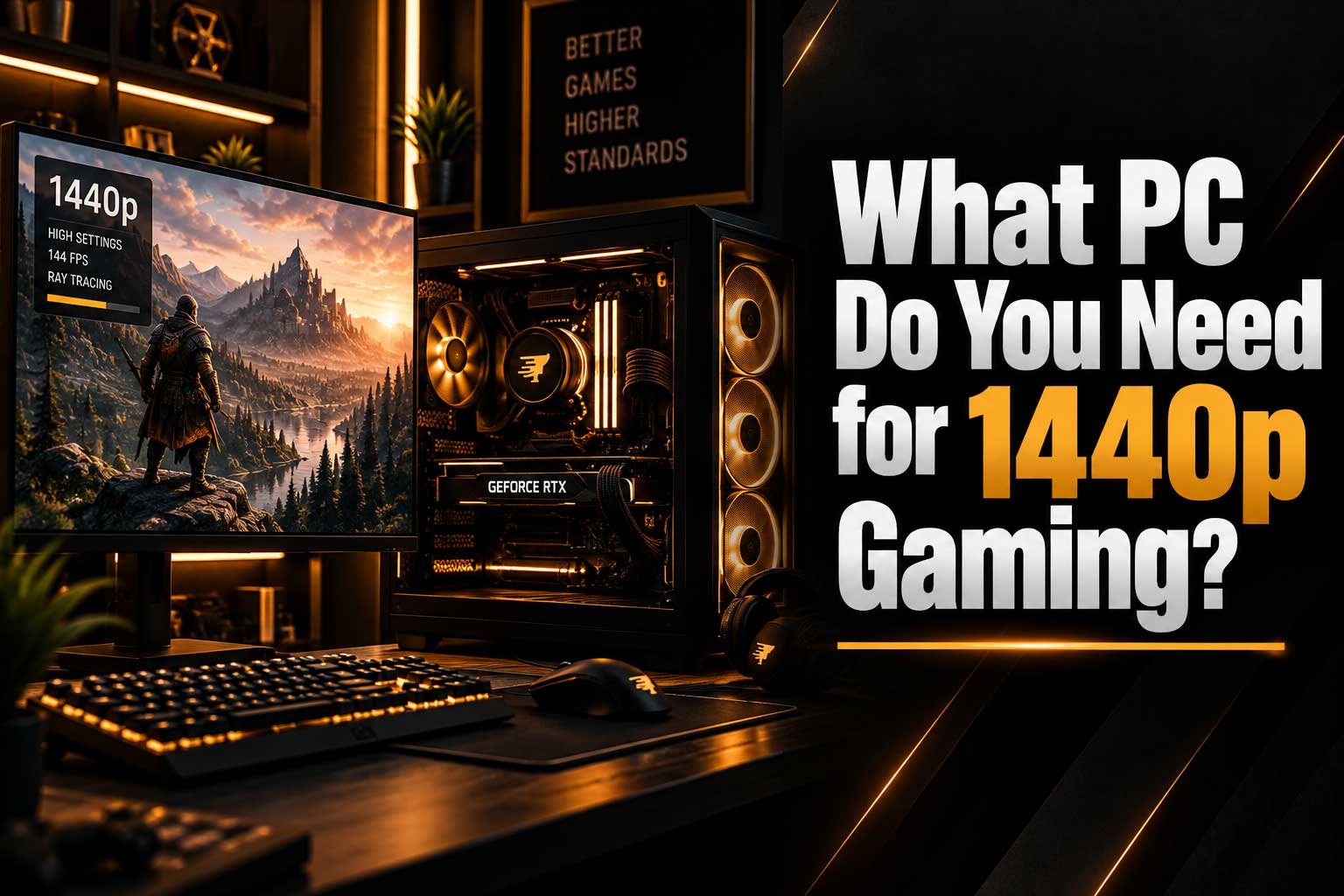
Choosing the right 1440p gaming PC depends on the games you play, your target FPS and the graphics settings you want to use. In this guide, we look at:
- What hardware you need for 1440p gaming
- Which GPU and CPU are suitable for 1440p
- How much RAM and SSD storage you should have
- What changes when targeting 144Hz or 165Hz
- How ray tracing affects 1440p performance
- What to look for when choosing a 1440p Gaming PC
What Gaming PC Do You Need for 1440p Gaming?
1440p gaming has become one of the most popular choices for PC gamers who want a noticeable upgrade from 1080p without moving all the way to 4K. However, choosing the right gaming PC for 1440p can be confusing. The ideal system depends on the games you play, the frame rate you want, your graphics settings and whether you plan to use technologies such as ray tracing or upscaling.
In this guide, we look at what hardware you actually need for smooth 1440p gaming and how to choose a balanced system without spending money on components you may not need.
What Is 1440p Gaming?
1440p refers to a resolution of approximately 2560 × 1440 pixels. It sits between traditional 1080p Full HD and 4K Ultra HD, providing significantly more image detail than 1080p while generally requiring less graphics performance than 4K.
For many gamers, 1440p offers an excellent balance between image quality and performance. It is particularly attractive when paired with a high-refresh-rate monitor, allowing modern gaming PCs to deliver both sharper visuals and smooth gameplay.
However, there is an important difference between simply running a game at 1440p and targeting 1440p at 144Hz or higher. A system capable of 60 FPS may not be powerful enough to consistently reach 144 FPS, especially in demanding AAA games.
| Resolution | Pixels | Typical Use |
|---|---|---|
| 1080p | 1920 × 1080 | Competitive gaming and budget systems |
| 1440p | 2560 × 1440 | High-quality gaming and high refresh rates |
| 4K | 3840 × 2160 | Maximum image detail and demanding workloads |
What Graphics Card Do You Need for 1440p Gaming?
The graphics card is usually the most important component when building or buying a PC specifically for 1440p gaming. The GPU has to render significantly more pixels than at 1080p, making graphics performance increasingly important as you increase resolution and graphical settings.
For a modern 1440p gaming PC, a graphics card with 12GB of VRAM or more can be an attractive choice for long-term use, particularly if you want to use high-quality textures, ray tracing or demanding modern games. However, the amount of VRAM alone does not determine gaming performance.
For a deeper explanation of graphics memory, see our guide on What Is VRAM and How Much Do You Need for Gaming?. You can also compare the practical differences between different memory capacities in our article 8GB vs 16GB VRAM: Is 8GB Still Enough for Gaming?.
- 1080p: A lower-tier modern GPU can be sufficient for many games.
- 1440p: A modern mid-range or higher GPU is generally a better target.
- 1440p high refresh rate: More GPU performance becomes important for maintaining higher FPS.
- 1440p with ray tracing: A stronger GPU and additional VRAM can provide more headroom.
What CPU Do You Need for 1440p Gaming?
Although the GPU is normally the main component for 1440p gaming, the processor still matters. A weak CPU can limit frame rates, create inconsistent frame times and prevent a powerful graphics card from reaching its full potential.
A modern 6-core processor can be enough for many 1440p gaming systems, while an 8-core CPU can provide additional headroom for demanding games, high-refresh-rate gaming and multitasking. The right choice depends heavily on the GPU and the type of games you play.
It is important to avoid spending heavily on the CPU while pairing it with an underpowered graphics card. A balanced system usually provides a better gaming experience than putting most of the budget into one component.
If you want to understand how the processor and graphics card divide the workload, read our guide CPU vs GPU: What Makes a Game More Demanding?.
| CPU Level | Suitable For |
|---|---|
| Modern 6-core CPU | Most 1440p gaming and general use |
| Modern 8-core CPU | High-refresh gaming, demanding games and multitasking |
| High-end CPU | Very high FPS targets and high-end GPU configurations |
How Much RAM Do You Need for 1440p Gaming?
For a new 1440p gaming PC, 32GB of RAM is a sensible target. While 16GB can still run many games, newer titles, background applications, browsers, launchers and voice-chat software can all increase memory usage.
Using 32GB also gives a new gaming PC more headroom for future games. This is particularly useful if you regularly keep multiple applications open while gaming or use your computer for other demanding tasks.
RAM capacity is only part of the equation. Modern platforms also benefit from fast DDR5 memory, especially when paired with newer processors. You can learn more about memory technology in our article DDR5 vs DDR4: Is the Difference Noticeable in Gaming?.
- 16GB: Still usable for many gaming systems.
- 32GB: A strong target for a new 1440p gaming PC.
- 64GB: More useful for heavy multitasking, content creation and specialised workloads.
How Much Storage Does a 1440p Gaming PC Need?
Resolution does not directly determine how much storage a game needs, but modern games are becoming increasingly large. A single AAA title can take up a significant amount of space, and installing several large games can quickly fill a smaller drive.
For a new gaming PC, a 1TB NVMe SSD is a practical starting point for many gamers. If you regularly install large games or maintain a large library, moving to 2TB or more can make the system much more convenient.
NVMe SSDs also provide fast Windows startup, application loading and game loading. However, extremely high sequential SSD speeds do not automatically translate into dramatically higher gaming FPS. We cover this in more detail in Does SSD Speed Actually Matter for Gaming?.
| Storage | Recommended For |
|---|---|
| 512GB | Budget systems with a small game library |
| 1TB | Good starting point for most new gaming PCs |
| 2TB+ | Large game libraries and long-term convenience |
Is 1440p 60 FPS Enough?
For many single-player games, 60 FPS at 1440p can provide a smooth and enjoyable experience. If you mainly play story-driven games, RPGs and visually demanding AAA titles, prioritising image quality over extremely high frame rates can make sense.
A gaming PC designed for 1440p 60 FPS does not necessarily need the same hardware as a system designed for 1440p 165 FPS. The latter requires considerably more graphics and processing performance in many games.
This is why you should decide your target frame rate before choosing your PC. Buying hardware based only on the resolution can result in either overspending or ending up with a system that does not meet your expectations.
- 60 FPS: A good target for many single-player and AAA games.
- 100–144 FPS: A strong target for smoother gameplay and high-refresh monitors.
- 165 FPS+: More demanding and particularly relevant to competitive gaming.
What About 1440p 144Hz or 165Hz Gaming?
If you are using a 144Hz, 165Hz or similar high-refresh-rate monitor, the requirements become more demanding. Your PC needs to produce significantly more frames to take advantage of the display.
This is particularly important in competitive games where high frame rates and low latency can make the experience feel more responsive. Games such as competitive shooters and esports titles can often achieve very high frame rates on suitable hardware, while demanding AAA games may require substantially more GPU power to approach the same numbers.
If you are choosing a monitor alongside your gaming PC, our guide 144Hz vs 240Hz vs 360Hz: Which Refresh Rate Is Best? explains when higher refresh rates actually make sense.
| Refresh Rate | Frame Rate Target | Best Suited For |
|---|---|---|
| 60Hz | 60 FPS | General gaming and single-player titles |
| 144Hz | 100–144 FPS | Competitive and general high-refresh gaming |
| 165Hz | 120–165 FPS | Competitive gaming and smoother gameplay |
| 240Hz+ | 200 FPS+ | Competitive esports and very high FPS systems |
Does Ray Tracing Change the Requirements?
Yes. Ray tracing can significantly increase the graphics workload, meaning a PC that performs well at standard rasterised graphics settings may require additional GPU performance when ray tracing is enabled.
If ray tracing is important to you, it makes sense to choose a stronger graphics card and consider upscaling technologies where supported. These technologies can render the game internally at a lower resolution and reconstruct the image to improve performance while maintaining a high-quality presentation.
Ray tracing can also increase VRAM requirements in some games, particularly when combined with high-resolution textures and demanding graphics settings. This is another reason why choosing a GPU with additional memory can provide more flexibility for a new 1440p gaming system.
- Standard graphics: Lower GPU requirements than ray-traced workloads.
- Ray tracing: Requires additional graphics processing power.
- Ray tracing + high textures: Can increase VRAM requirements.
- Upscaling: Can help improve performance when supported by the game and GPU.
How Much Should You Spend on a 1440p Gaming PC?
There is no single price that defines a good 1440p gaming PC. The right budget depends on whether your goal is 60 FPS, high-refresh-rate gaming, maximum graphics settings or long-term upgrade potential.
A more affordable system can target 1440p gaming with sensible settings, while a more powerful build can provide significantly higher frame rates and better performance in demanding AAA games. Spending more becomes particularly useful if you want high settings, ray tracing, high-refresh-rate gaming or additional VRAM.
The most important thing is to avoid creating an unbalanced system. A powerful GPU paired with insufficient RAM, an unsuitable CPU or inadequate power delivery may not provide the experience you expect.
1440p Gaming PC: What Should You Look For?
| Component | Recommended Starting Point | Why It Matters |
|---|---|---|
| GPU | Modern mid-range or higher graphics card | Main component responsible for rendering the game |
| VRAM | 12GB+ is a strong target for a new system | Provides additional memory for demanding textures and games |
| CPU | Modern 6-core or 8-core processor | Helps maintain high and consistent frame rates |
| RAM | 32GB DDR5 | Provides useful headroom for modern games and multitasking |
| Storage | 1TB NVMe SSD or larger | Provides fast loading and enough space for modern games |
| PSU | Quality PSU matched to the GPU | Provides reliable power for the complete system |
1440p Gaming PC at a Glance
- Resolution: 2560 × 1440 pixels.
- GPU: Modern mid-range or higher GPU.
- VRAM: 12GB or more is a strong target for a new system.
- CPU: Modern 6-core or 8-core processor.
- RAM: 32GB DDR5 is a sensible choice.
- Storage: 1TB NVMe SSD or larger.
- Refresh rate: Choose hardware according to your target FPS.
- Ray tracing: Consider additional GPU performance if you plan to use it.
- PSU: Use a quality power supply appropriate for your hardware.
1440p Gaming PCs at CompHub
If you are looking for a 1440p gaming PC in Ireland, you do not necessarily need to build a computer from individual components. A pre-built system can provide a balanced combination of CPU, GPU, RAM, storage, cooling and power supply without requiring you to select and assemble every component yourself.
Our Gaming PCs are designed around different performance levels and budgets, making it easier to choose a system based on the games you play and the performance you want.
For gamers specifically targeting 1440p, look for systems with a modern mid-range or high-end GPU, sufficient VRAM and 32GB of memory. More powerful configurations can provide additional headroom for demanding AAA games, high refresh rates and future titles.
Should You Buy a 1440p Gaming PC or Build One Yourself?
Building a PC yourself can be an excellent option if you already know which components you want. It also gives you complete control over every part of the system. However, a pre-built gaming PC can be a simpler solution for customers who want a tested and ready-to-use computer.
When buying a pre-built system, it is important to look beyond the processor and graphics card. Check the power supply, motherboard, RAM configuration, SSD, cooling and case as well. Two computers with similar CPUs and GPUs can provide a very different overall package depending on the supporting components.
- CPU: Check the processor generation and performance level.
- GPU: Look at the exact graphics card model and VRAM capacity.
- RAM: Check both capacity and memory generation.
- Storage: Check SSD capacity and type.
- Motherboard: Make sure it provides suitable upgrade options.
- PSU: Check the wattage, efficiency and quality.
- Cooling: Make sure the processor has appropriate cooling.
At CompHub, our goal is to create balanced systems rather than simply combining the most expensive components possible. This makes it easier to choose a PC that matches your actual gaming requirements and budget.
Final Thoughts
For most gamers, 1440p is one of the best resolutions for a modern gaming PC. It provides a significant visual improvement over 1080p while avoiding some of the extreme hardware requirements associated with 4K gaming.
A good 1440p gaming PC should combine a capable modern GPU with a suitable CPU, 32GB of RAM, fast NVMe storage and a reliable power supply. If you want higher refresh rates, ray tracing or maximum settings, stepping up to more powerful hardware can provide additional headroom.
The most important thing is to choose the PC around your actual target. If you know which games you play, your monitor's refresh rate and the graphics settings you want to use, choosing the right 1440p gaming PC becomes much easier.
Looking for a gaming PC for 1440p? Explore our Gaming PC range and find a system built around your performance requirements.