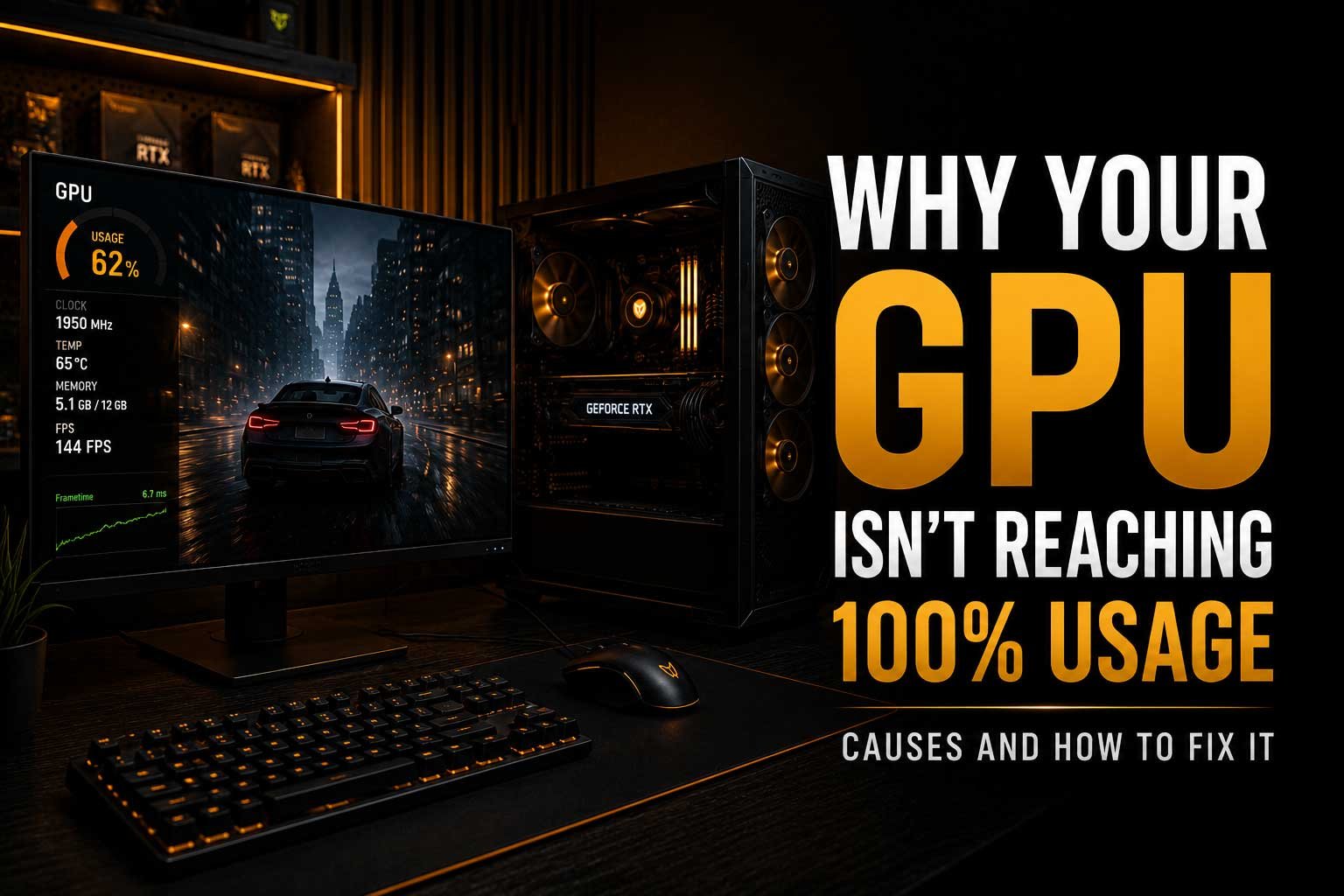
Your graphics card does not always need to run at 100% usage, and lower GPU utilisation does not automatically mean that something is wrong. In some games, performance may be limited by the processor, frame-rate caps, graphics settings or other parts of the system.
In this article, we explain why your GPU may not be reaching 100% usage and look at some of the most common reasons, including:
- Why 100% GPU usage is not always necessary
- How a CPU bottleneck can limit GPU performance
- How resolution and graphics settings affect GPU utilisation
- Why FPS caps and V-Sync can reduce GPU usage
- How RAM and VRAM limitations can affect performance
- Whether background applications can limit your GPU
- How to check if low GPU usage is actually causing a performance problem
- When low GPU usage may indicate a hardware or software issue
Why Isn’t Your GPU Reaching 100% Usage?
Seeing your graphics card running below 100% GPU usage can make it seem like something is wrong, especially if you expected your system to use all of its available performance. However, lower GPU utilisation is not automatically a problem. In many situations, the graphics card is simply waiting for another part of the system, such as the processor, or the game may already be limited by a frame-rate cap or your monitor's refresh rate. The important question is not always whether your GPU reaches 100%, but whether you are getting the level of performance you should expect from your hardware.
Does Your GPU Need to Run at 100%?
No, a GPU does not need to run at 100% usage all the time. GPU utilisation depends heavily on the game, resolution, graphics settings and frame rate you are trying to achieve. For example, if you are playing an older or less demanding game at 1080p, your graphics card may be capable of rendering far more frames than the game actually requires. If an FPS cap is enabled, the GPU can reduce its workload once that target has been reached. The same can happen when V-Sync or another frame-rate limiter prevents the game from rendering additional frames.
| GPU Usage | Possible Meaning |
|---|---|
| 95–100% | The GPU is likely the main performance limit |
| 60–90% | Could be normal depending on the game and settings |
| Low usage with high FPS | Usually not a performance problem |
| Low usage with low FPS | May indicate a CPU, software or system limitation |
A CPU Bottleneck Can Limit GPU Usage
One of the most common reasons for low GPU usage during gaming is that the processor cannot prepare frames quickly enough for the graphics card. Before a GPU can render a frame, the CPU often needs to process game logic, physics, AI, draw calls and other tasks. If the processor becomes the limiting factor, the graphics card may spend time waiting instead of working at full capacity. This is particularly common in CPU-heavy games and when playing at lower resolutions, where the GPU can render frames relatively quickly.
A CPU bottleneck does not necessarily mean that your processor is outdated or defective. Some games simply place more demand on the CPU than others. You may also notice different GPU usage depending on the area or scene within the same game. A busy multiplayer environment, large open-world city or CPU-intensive simulation may reduce GPU utilisation compared with a simpler scene.
Resolution Can Change GPU Utilisation
Your chosen resolution can have a major effect on GPU usage. At 1080p, particularly with a powerful graphics card, the GPU may be able to render frames faster than the rest of the system can prepare them. Increasing the resolution to 1440p or 4K places more work on the graphics card, which can increase GPU utilisation. This is why a graphics card may show lower usage at 1080p but move closer to 100% usage at higher resolutions.
Higher GPU usage does not automatically mean better performance. For example, if your system already produces enough FPS for your monitor and the games you play, forcing the GPU to work harder may simply increase power consumption and temperatures. The goal should be to achieve the right balance between performance, image quality and smooth gameplay.
Graphics Settings Can Also Affect GPU Usage
Not every graphics setting places the same amount of load on your GPU. Increasing settings such as resolution, ray tracing, shadows or visual effects can increase GPU workload, while lowering those settings can reduce utilisation. If you are playing a game using low or competitive settings, especially at 1080p, it is completely possible for a modern graphics card to sit below 100% usage because the game is being limited elsewhere.
This is especially common in esports titles where players intentionally use lower settings to achieve very high frame rates. In this situation, the CPU may become the limiting factor long before the GPU reaches its maximum performance.
FPS Caps and V-Sync Can Reduce GPU Usage
A simple reason why your GPU may not be reaching full utilisation is that the game does not need any additional performance. If you have set an FPS cap of 144 FPS and your graphics card is capable of producing 250 FPS, the GPU can reduce its workload once the frame-rate limit is reached. V-Sync can have a similar effect by synchronising the frame rate with the refresh rate of your display.
This is not necessarily a problem. In some cases, limiting FPS can reduce unnecessary power usage, heat and fan noise. It can also help provide more consistent frame pacing. Before investigating a possible hardware issue, check whether the game, graphics driver or another application has a frame-rate limit enabled.
RAM Can Affect Overall Performance
Although RAM does not directly determine GPU utilisation, insufficient system memory can create performance problems that affect the entire gaming experience. Modern games can use large amounts of RAM, particularly when running alongside browsers, launchers, recording software or other background applications. If available memory becomes limited, the system may need to move data to slower storage, potentially causing stuttering and inconsistent performance.
If you are unsure how much memory is suitable for modern games, you can read our guide on How Much RAM for Gaming in 2026. While adding more RAM will not automatically increase GPU usage, having enough available memory can help prevent other performance limitations.
VRAM Limitations Can Cause Performance Problems
Your graphics card also relies on its own dedicated memory, known as VRAM. Modern games use VRAM to store textures, models, lighting data and other graphical assets. If a game exceeds the available VRAM, performance can become inconsistent, resulting in stuttering, texture pop-in or sudden frame-time spikes. In some situations, GPU usage may also behave unexpectedly because the system is struggling to manage graphical data efficiently.
Reducing texture quality, resolution or other memory-heavy settings can sometimes help. However, the amount of VRAM required depends heavily on the game, resolution and graphics settings being used.
Background Applications May Be Using System Resources
Low GPU usage can sometimes be caused by other software running in the background. Applications may consume CPU resources, RAM, storage bandwidth or occasionally GPU resources. This can prevent the game from receiving the resources it needs consistently. Downloads, Windows updates, browser tabs, recording software and overlays can all affect performance depending on your system.
- Close unnecessary browser tabs and applications
- Check whether downloads or updates are running
- Disable unnecessary overlays
- Check recording and streaming software
- Monitor CPU, RAM and storage usage while gaming
Power Settings Can Limit Performance
Power settings can also affect how your system performs. On some systems, particularly laptops, power-saving modes may reduce CPU or GPU performance to improve battery life and lower power consumption. Desktop systems can also be affected by incorrect power settings or software configurations. If you are experiencing unexpectedly low performance, check your operating system power mode and graphics driver settings before assuming that the graphics card itself is faulty.
It is also important to make sure that the graphics card is receiving the correct power and that all required power connectors are properly connected. A hardware problem is less common than a software or configuration issue, but unexpected performance problems should still be investigated.
Drivers and Software Can Cause Low GPU Usage
Graphics drivers play an important role in how games communicate with your hardware. An outdated, corrupted or problematic driver can sometimes cause performance issues, although installing the newest driver is not always guaranteed to improve every game. Game updates can also introduce temporary performance problems or change how a title uses the CPU and GPU.
If low GPU usage suddenly appears after a driver or game update, it may be worth checking whether other users are experiencing the same issue. Testing another game can also help determine whether the problem is specific to one title or affects the entire system.
How to Tell If Low GPU Usage Is Actually a Problem
The most important thing to check is your actual performance. Low GPU usage is only a concern when it is preventing you from getting the performance you expect. If you are playing at a stable 144 FPS on a 144Hz monitor while the GPU is running at 70%, there may be nothing to fix. The graphics card simply has additional performance available that the game does not currently need.
However, if GPU usage is low while FPS is also significantly below expectations, you should investigate the rest of the system. Check CPU utilisation, temperatures, RAM usage, background applications and any FPS limits. You can also compare performance in several different games to see whether the issue is consistent.
| Situation | Is It a Problem? |
|---|---|
| 70% GPU usage and stable high FPS | Usually no |
| Low GPU usage with an FPS cap enabled | Usually normal |
| Low GPU usage and unexpectedly low FPS | Worth investigating |
| Low GPU usage in one game only | Could be game optimisation |
| Low GPU usage across multiple demanding games | Check the wider system |
When Should You Be Concerned?
You should investigate further if your graphics card consistently shows low utilisation while performance is significantly below what your system should achieve. This may indicate a CPU limitation, thermal issue, memory problem, incorrect settings, driver issue or another software-related limitation. Sudden changes in performance are also worth checking, especially if the system previously performed normally in the same games.
If the issue is difficult to identify, avoid immediately replacing hardware. Testing different games, monitoring temperatures and checking system resource usage can provide a clearer idea of what is actually limiting performance. This is especially important because a low GPU usage number by itself does not identify the cause of a problem.
Final Thoughts
Your GPU does not need to reach 100% usage for your system to be working correctly. Lower utilisation can simply mean that you have reached an FPS cap, your monitor's refresh rate, a CPU limitation or the performance requirements of the game itself. The number becomes more important when low GPU usage is combined with unexpectedly poor performance.
Instead of focusing only on GPU utilisation, look at the complete picture: FPS, frame times, CPU performance, temperatures, RAM, VRAM and background activity. Understanding how these parts work together makes it much easier to identify whether you have a real problem or whether your system is simply performing as expected.