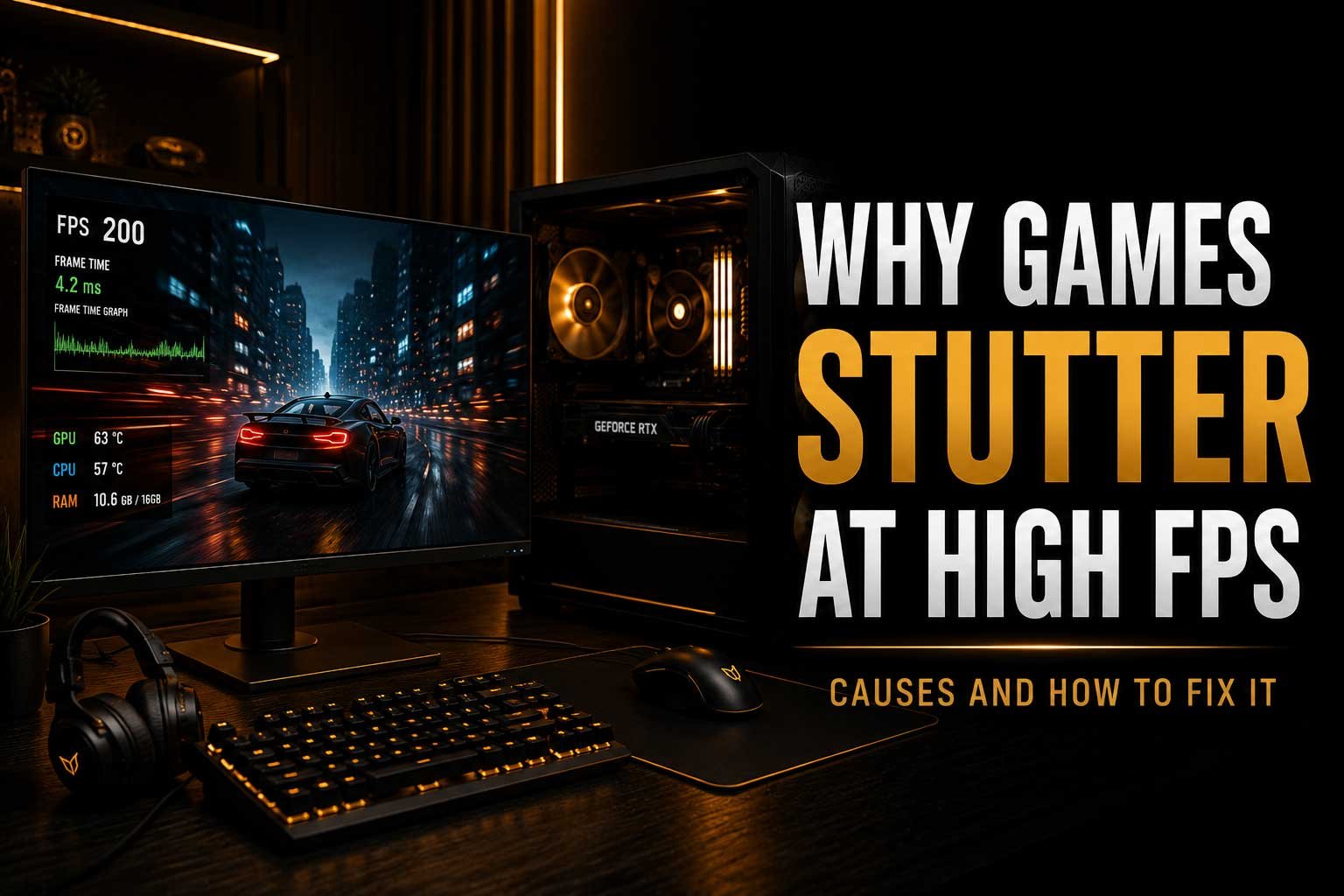
High FPS does not always mean smooth gameplay. Even when a game shows 100, 200 or more frames per second, stuttering and inconsistent performance can still make the experience feel less smooth than expected.
In this article, we look at why games can stutter at high FPS and explain some of the most common causes, including:
- The difference between FPS and frame times
- Why inconsistent frame pacing can cause stuttering
- How RAM and VRAM can affect game performance
- Why background applications can cause performance issues
- How shader compilation and game optimisation affect smoothness
- Whether V-Sync, G-Sync and FreeSync can help reduce stuttering
- What you can do to make gameplay feel smoother
Why Can Games Stutter at High FPS?
Seeing a high frame rate does not always mean a game will feel perfectly smooth. You might be getting 150, 200 or even 300 FPS, yet still notice small freezes, sudden jumps or inconsistent motion while playing. This is because the FPS counter only shows how many frames are being produced over time. It does not always show how consistently those frames are being delivered. A game can have a high average FPS while still experiencing occasional performance spikes that make gameplay feel noticeably less smooth. Understanding why games stutter at high FPS can help you identify whether the problem is related to frame times, hardware limitations, background software or the game itself.
FPS vs Frame Times: What Is the Difference?
FPS, or frames per second, measures how many images your system renders each second. Frame time measures how long it takes to render each individual frame. This difference is important because a high average FPS can hide inconsistent performance. For example, a game may run at 200 FPS for most of the time but occasionally take much longer to render a single frame. That sudden delay can appear as a noticeable stutter, even though the FPS counter still looks high. Smooth gameplay depends not only on producing a large number of frames but also on delivering them at consistent intervals.
| Performance | Average FPS | Frame Delivery | How It Can Feel |
|---|---|---|---|
| Consistent performance | High | Even and stable | Smooth |
| Inconsistent performance | High | Occasional spikes | Stuttering |
| Low performance | Low | Consistently slow | Generally less smooth |
Why Inconsistent Frame Pacing Causes Stuttering
Frame pacing describes how evenly frames are delivered to your display. Ideally, each frame should arrive at a consistent interval. When some frames take significantly longer to render than others, the result can be uneven motion or a sudden stutter. This is why two systems showing the same average FPS can feel very different in actual gameplay. One may deliver frames consistently, while the other experiences regular frame-time spikes. Frame pacing problems can be caused by hardware limitations, background processes, game optimisation, driver issues or certain graphics settings. This is also why simply looking at the average FPS is not always enough when diagnosing performance problems.
RAM Can Cause Stuttering Even When FPS Is High
Insufficient or slow RAM can contribute to stuttering, particularly in modern games that load large environments and textures. If your system runs out of available memory, it may need to move data between RAM and slower storage, which can cause sudden performance drops or frame-time spikes. Background applications can also consume memory while you are gaming. Browsers with multiple tabs, recording software, launchers and other programs can all reduce the amount of RAM available to the game. If you are unsure whether your system has enough memory, you can also read our guide on How Much RAM for Gaming in 2026.
VRAM Limitations and Texture Loading
Your graphics card also needs enough VRAM to store textures, models and other graphical data. Modern games, especially at higher resolutions and texture settings, can use large amounts of video memory. When VRAM becomes limited, the game may need to constantly move graphical data in and out of memory. This can result in stuttering, texture pop-in or sudden frame-time spikes. Lowering texture quality or resolution can sometimes reduce VRAM usage, but this depends on the game. High FPS does not necessarily mean VRAM is not a problem, as a game may perform well most of the time before suddenly experiencing stuttering when new assets need to be loaded.
Background Applications Can Affect Performance
Games do not have complete control over your system while they are running. Background applications can still use CPU resources, RAM, storage bandwidth and sometimes GPU resources. Software updates, cloud synchronisation, browser tabs, overlays and recording applications can all affect performance. In some cases, a process running in the background may cause occasional spikes rather than constantly reducing FPS. This makes the problem more difficult to identify because the game can appear to run normally before suddenly stuttering. Closing unnecessary applications before gaming can help reduce resource usage and make it easier to determine whether background software is contributing to inconsistent performance.
- Close unnecessary browser tabs and applications
- Check for downloads or updates running in the background
- Disable unnecessary overlays
- Check recording and streaming software
- Monitor CPU, RAM and storage usage while gaming
Shader Compilation Can Cause Stuttering
One increasingly common cause of stuttering is shader compilation. Many modern games need to compile shaders that help determine how graphics are rendered. Some games compile these shaders before you begin playing, while others may compile them during gameplay. When this process happens while moving into a new area, seeing a new effect or loading new assets, you may experience a brief stutter. This can happen even on powerful hardware and may not be solved simply by upgrading your graphics card. Game updates and improved shader compilation systems can sometimes reduce these problems, which is why performance can change between different versions of the same game.
Low GPU Usage Does Not Always Mean Something Is Wrong
Many players notice that their GPU usage is below 100% and assume that the graphics card is not working properly. In reality, there are several possible reasons. The game may be limited by the CPU, a frame-rate cap may be enabled or the game may simply not require the full performance of the GPU in a particular scene. At lower resolutions, the CPU can become more important because the graphics card is able to render frames faster than the processor can prepare them. Low GPU usage can also occur when waiting for data, loading assets or dealing with background activity. It is important to look at the entire system rather than focusing on a single usage percentage.
Can Your Storage Drive Cause Stuttering?
Storage can also affect how smoothly some games run, particularly titles that constantly stream large amounts of data while you play. A slower or heavily loaded drive may struggle to provide game assets quickly enough in certain situations. This does not necessarily mean a faster SSD will dramatically increase your average FPS, but storage performance can influence loading times and asset streaming. If a game is installed on an older hard drive, moving it to an SSD may help reduce certain loading-related issues. It is also worth checking how much free space is available, as a nearly full drive can contribute to general system performance problems.
Can V-Sync, G-Sync and FreeSync Help?
Display synchronisation technologies can help improve how games appear on screen, although they do not fix every type of stuttering. V-Sync is designed to reduce screen tearing by synchronising the frame rate with the monitor refresh rate, but it can sometimes introduce additional latency or cause noticeable changes in frame pacing. G-Sync and FreeSync use variable refresh rate technology, allowing the monitor to adjust its refresh rate to match the performance being delivered by the system within its supported range. This can help make fluctuating frame rates appear smoother. If you are also choosing a display for high-frame-rate gaming, our 144Hz vs 240Hz vs 360Hz comparison explains how refresh rate can affect the overall experience.
Game Optimisation Can Be the Problem
Sometimes the cause of stuttering is not your hardware at all. A poorly optimised game can experience shader compilation issues, inefficient CPU usage, memory problems or inconsistent asset streaming. This is particularly noticeable when a game performs differently across similar systems or continues to stutter even when hardware utilisation appears normal. Before spending money on upgrades, it is worth checking whether the problem occurs in multiple games or only one title. If every other game runs smoothly, the issue may be related to that specific game, its settings, drivers or a recent update rather than a fault with your hardware.
How to Reduce Stuttering in Games
There is no single solution for every system, but a structured approach can help identify the cause. Start by checking whether the stuttering occurs in multiple games and whether your system temperatures and resource usage look normal. Update your graphics drivers and ensure the game and operating system are fully updated. Close unnecessary background applications and check that the game is installed on suitable storage. If the problem continues, try reducing settings that place heavy pressure on VRAM or the CPU. It can also be useful to monitor frame times rather than only average FPS, as this can reveal sudden spikes that an FPS counter may hide.
| Possible Cause | What to Check |
|---|---|
| RAM limitation | Memory usage and background applications |
| VRAM limitation | Texture settings and resolution |
| Background activity | Updates, downloads and overlays |
| Shader compilation | Whether stuttering happens in new areas or after updates |
| Storage issues | Drive type, available space and disk activity |
| Game optimisation | Whether the issue occurs in other games |
Should You Upgrade Your Hardware?
If stuttering is caused by a genuine hardware limitation, an upgrade may help, but it is important to identify which component is actually responsible. Adding more RAM may help if your system regularly runs out of available memory, while a graphics card upgrade may improve performance if the GPU is consistently the limiting factor. Storage upgrades can also make sense for games that benefit from faster asset loading. However, replacing hardware without diagnosing the problem can be expensive and may not solve the issue. In some situations, adjusting settings, updating software or addressing overheating can make a bigger difference than buying a new component.
Final Thoughts
High FPS does not automatically guarantee smooth gameplay. Stuttering can still be caused by inconsistent frame times, RAM or VRAM limitations, background applications, shader compilation, storage performance or poor game optimisation. The key is to look beyond the FPS counter and understand how consistently your system is delivering frames. If you regularly experience stuttering across multiple games, it may be worth investigating your hardware, temperatures and system configuration before deciding whether an upgrade is necessary. By identifying the actual cause, you can make a more informed decision about whether a simple adjustment, component upgrade or professional diagnosis is the best solution.