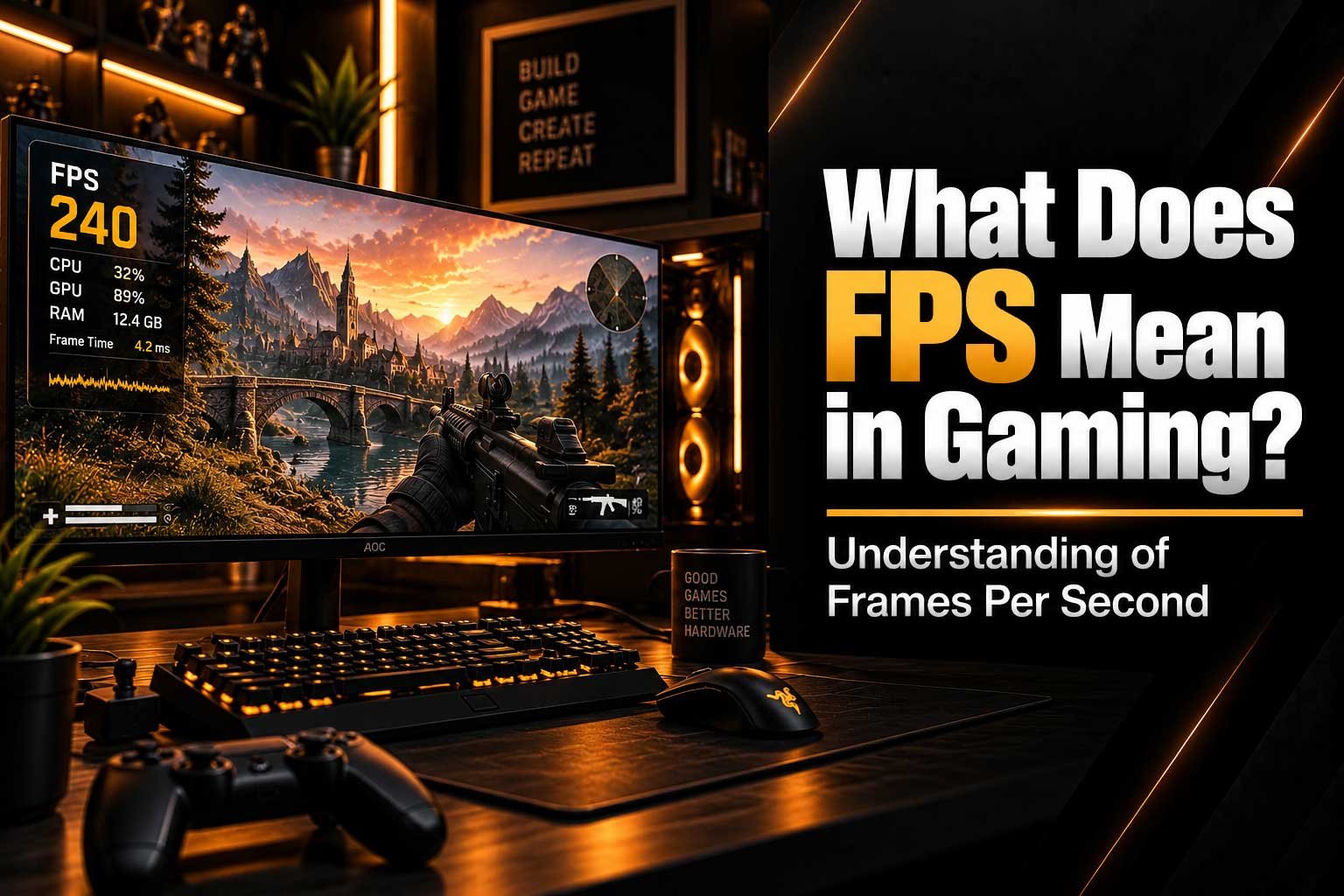
Learn what FPS means in gaming, why Frames Per Second matter, and how frame rate affects smoothness, responsiveness and overall PC gaming performance.
- What FPS (Frames Per Second) means in gaming
- Why higher FPS can make games feel smoother
- The difference between FPS and monitor refresh rate
- What frame time means and why it matters
- How your CPU and GPU affect FPS
- What is considered a good FPS for gaming
- How to improve FPS and gaming performance
What Does FPS Mean in Gaming?
FPS stands for Frames Per Second and is one of the most common measurements used to describe gaming performance. It tells you how many individual frames your PC is rendering and displaying every second while you play. For example, a game running at 60 FPS is producing around 60 frames every second, while 144 FPS means the system is producing approximately 144 frames per second.
FPS is important because it directly affects how smooth a game feels. A higher frame rate can make camera movement, animations and gameplay feel more fluid, while a low or unstable frame rate can make a game appear choppy or less responsive. However, FPS is only one part of gaming performance. Your monitor's refresh rate, frame times, CPU, GPU and the settings used in the game all influence the final experience.
What Does FPS Actually Measure?
When you play a PC game, your computer continuously renders images that are displayed on your monitor. Each individual image is called a frame. FPS measures how many of these frames are generated every second. If your game is running at 30 FPS, the computer is producing approximately 30 frames per second. At 60 FPS, it is producing twice as many frames in the same amount of time.
This is why FPS is commonly used as a quick way to understand gaming performance. It provides an indication of how frequently your system is updating the visual information on screen. However, average FPS does not always tell the whole story. A game showing 100 FPS can still feel inconsistent if frame delivery is uneven, which is why frame time and FPS stability are also important.
Why Does Higher FPS Make Games Feel Smoother?
Higher FPS means that your display has access to more individual frames during gameplay. This can make movement appear smoother, particularly when quickly moving the camera or tracking objects across the screen. The difference can be especially noticeable in fast-paced games where players constantly move, aim and react to what is happening around them.
For example, moving from 30 FPS to 60 FPS generally produces a noticeable improvement in smoothness. Increasing from 60 FPS to 120 FPS or 144 FPS can also improve the feeling of responsiveness, although the difference becomes more dependent on the game, monitor and individual player. Competitive games can particularly benefit from higher and more consistent frame rates because responsive controls are important during fast gameplay.
Common FPS Levels Explained
| FPS | Gaming Experience | Typical Use |
|---|---|---|
| 30 FPS | Playable but less fluid | Lower-end systems and some console experiences |
| 60 FPS | Smooth for most games | General PC gaming |
| 90 FPS | Very smooth | High-refresh gaming |
| 120 FPS | Very fluid and responsive | High-refresh gaming and competitive titles |
| 144 FPS | Very smooth | 144Hz gaming monitors |
| 240 FPS+ | Extremely high frame rate | Competitive gaming and high-refresh displays |
FPS vs Monitor Refresh Rate
FPS and refresh rate are not the same thing. FPS describes how many frames your PC is rendering, while refresh rate describes how many times your monitor can refresh its image every second. A monitor with a 144Hz refresh rate can refresh up to 144 times per second, while a game running at 60 FPS is only generating 60 new frames per second.
For the best experience, your gaming PC and monitor should work well together. If your PC can consistently produce high frame rates but your monitor has a lower refresh rate, you may not see the full benefit of those additional frames. On the other hand, owning a high-refresh-rate monitor does not automatically mean that your PC will produce enough FPS to take advantage of it.
If you are comparing different gaming monitor technologies and refresh rates, our guide to 144Hz vs 240Hz vs 360Hz explains how different refresh rates affect the gaming experience.
What Is Frame Time?
Frame time is the amount of time required to produce one frame, usually measured in milliseconds. FPS and frame time are closely connected, but frame time can provide a better understanding of how consistently frames are being delivered. At 60 FPS, each frame takes approximately 16.7 milliseconds to render. At 120 FPS, that falls to around 8.3 milliseconds, while 144 FPS is approximately 6.9 milliseconds per frame.
Consistent frame times are important because unstable frame delivery can make gameplay feel uneven even when the average FPS appears high. This is sometimes described as micro-stuttering. A system delivering a consistent 100 FPS can feel smoother than one that jumps rapidly between very high and very low frame rates. This is why monitoring FPS stability and frame-time behaviour can be useful when troubleshooting gaming performance.
What Affects FPS on a Gaming PC?
Several hardware and software factors determine how many frames your PC can produce. The most important components are usually the GPU and CPU, but RAM, game settings, resolution, drivers and background applications can also influence performance.
- GPU: Responsible for rendering the game's graphics and often the most important component for higher resolutions and graphical settings.
- CPU: Handles game logic, physics, AI and other calculations that can affect FPS, particularly in CPU-heavy games.
- RAM: Provides system memory for the operating system and applications and can affect performance when capacity or configuration becomes limiting.
- Game settings: Higher graphical settings generally increase the workload placed on your hardware.
- Resolution: Rendering at 1440p or 4K requires the GPU to process more pixels than 1080p.
- Background applications: Other software running while gaming can consume CPU, RAM or GPU resources.
Understanding the difference between CPU and GPU workloads can help explain why two PCs with different hardware can produce very different frame rates. Our guide CPU vs GPU: What Makes a Game More Demanding? goes into more detail about the roles of both components.
Does More FPS Always Mean Better Gaming?
Not necessarily. Higher FPS can improve smoothness and responsiveness, but the benefits depend on the rest of your system. If your monitor only supports 60Hz, for example, there is limited visual benefit from producing extremely high frame rates compared with using a high-refresh-rate display. This does not mean higher FPS is useless, but it means the entire system should be considered together.
Stable FPS is also important. A consistent frame rate can provide a smoother experience than a much higher but constantly fluctuating frame rate. This is particularly relevant in competitive games, where sudden performance drops can affect responsiveness. Optimising settings to maintain a stable frame rate can therefore be more useful than simply trying to achieve the highest possible FPS number.
What Is a Good FPS for Gaming?
There is no single FPS number that is ideal for every player or every game. For many PC gamers, 60 FPS provides a smooth experience across a wide range of titles. Players using 120Hz, 144Hz or faster monitors may prefer higher frame rates to make better use of their displays, particularly in competitive games.
A suitable target depends on the type of game you play and the hardware you have. A cinematic single-player game may be perfectly enjoyable at 60 FPS, while a competitive shooter can benefit from a higher and more consistent frame rate. Rather than focusing only on the highest possible number, it is useful to consider the combination of FPS, frame time, refresh rate and image quality.
How Can You Improve FPS in PC Games?
If your game is not reaching the frame rate you want, there are several ways to improve performance. The first step is identifying what is limiting your system. Monitoring CPU and GPU utilisation can help determine whether the graphics card, processor or another part of the system is becoming a bottleneck.
- Lower demanding graphics settings.
- Reduce the game's render resolution.
- Update your GPU drivers.
- Close unnecessary background applications.
- Use technologies such as DLSS, FSR or XeSS when supported.
- Check whether your CPU or GPU is limiting performance.
- Make sure your PC has sufficient RAM for the game and other applications.
If your GPU is not being fully utilised, the issue may not necessarily be the graphics card itself. Our guide on why your GPU isn't reaching 100% usage covers some of the common reasons this can happen.
FPS and Gaming PCs
When choosing a gaming PC, FPS should be considered alongside the games you want to play, your target resolution and the monitor you are using. A system designed for 1080p competitive gaming has different priorities from one intended for high-resolution single-player gaming. The right balance of CPU, GPU, memory and storage can help create a system capable of maintaining the frame rates you actually need.
Rather than choosing a PC based purely on a single FPS figure, consider the complete configuration and the games you intend to play. You can browse our CompHub Gaming Plus, CompHub Gaming Elite and CompHub Gaming Pro configurations to see our currently available gaming PCs.
FPS Explained at a Glance
| Term | Meaning |
|---|---|
| FPS | Frames Per Second — how many frames are rendered each second. |
| Frame | An individual image rendered and displayed during gameplay. |
| Frame Time | The amount of time required to render one frame. |
| Refresh Rate | How many times a monitor can refresh its image per second, measured in Hz. |
| 60 FPS | A common target for smooth general gaming. |
| 144 FPS | A common target for high-refresh-rate PC gaming. |
| 240 FPS+ | Commonly targeted by competitive players using high-refresh-rate monitors. |
Final Thoughts
FPS means Frames Per Second, and it is one of the simplest ways to understand how smoothly a game is running. Higher FPS can provide smoother motion and greater responsiveness, but the ideal frame rate depends on the game, monitor and hardware in your system. A stable frame rate is often more useful than chasing an unnecessarily high FPS number.
When building or buying a gaming PC, think about the complete experience rather than FPS alone. Your CPU, GPU, RAM, monitor refresh rate, resolution and game settings all work together to determine performance. Once you understand how these factors interact, it becomes much easier to choose the right hardware and settings for the games you actually play.